 ff783fd4d1
* improve docs

* preplan guides

* fix spelling

* fix nftables rules

* consistent wg-easy code block

* fix grammar
1.4 KiB
title
| title |
|---|
| Prometheus |
To monitor the WireGuard server, you can use Prometheus and Grafana. The container exposes a /metrics/prometheus endpoint that can be scraped by Prometheus.
Enable Prometheus
To enable Prometheus metrics, go to Admin Panel > General and enable Prometheus.
You can optionally set a Bearer Password for the metrics endpoints. This is useful if you want to expose the metrics endpoint to the internet.
Configure Prometheus
You need to add a scrape config to your Prometheus configuration file. Here is an example:
scrape_configs:
  - job_name: "wg-easy"
    scrape_interval: 30s
    metrics_path: /metrics/prometheus
    static_configs:
      - targets:
          - "localhost:51821"
    authorization:
      type: Bearer
      credentials: "SuperSecurePassword"
Grafana Dashboard
You can use the following Grafana dashboard to visualize the metrics:
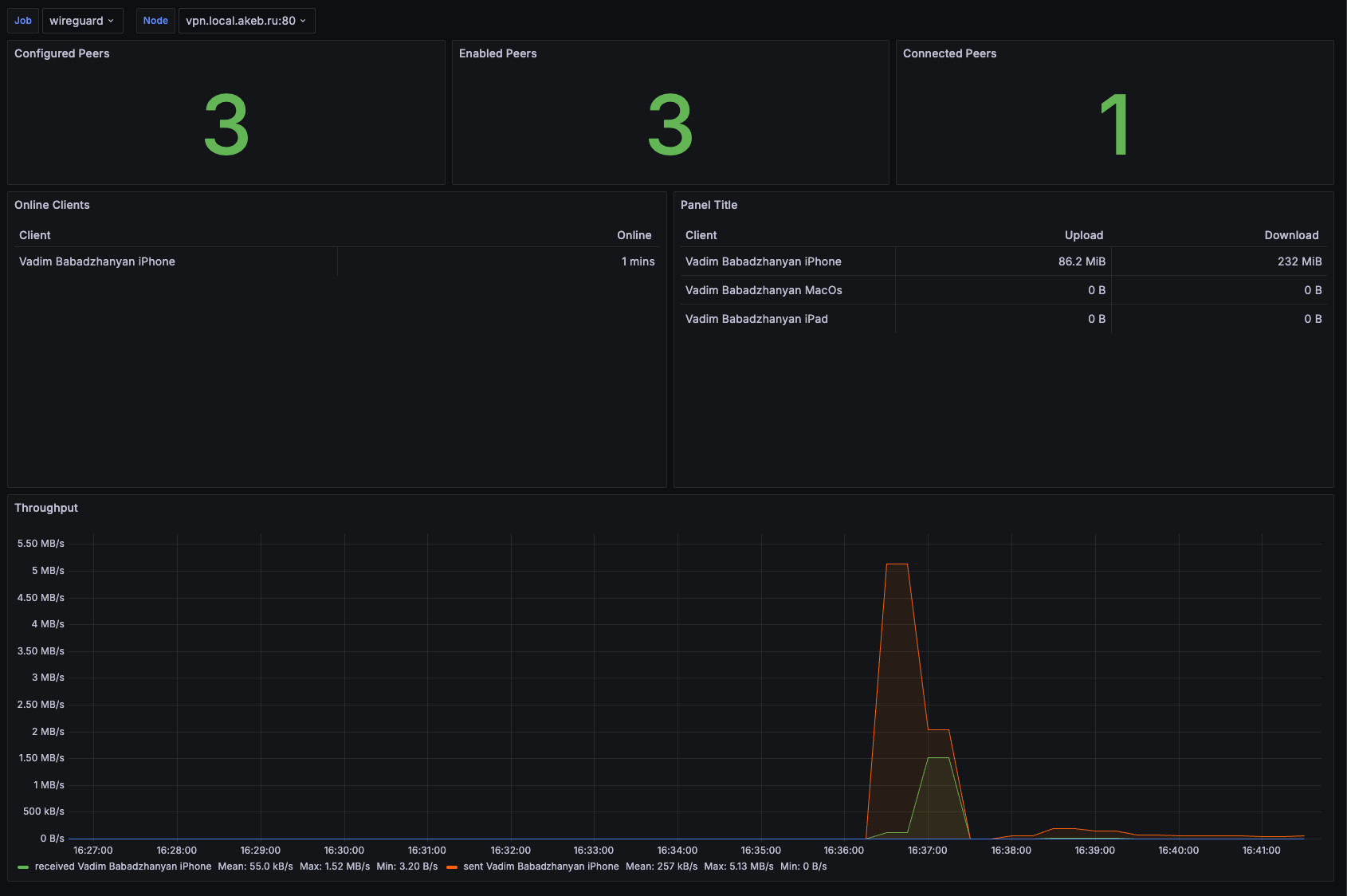
/// note | Unofficial
The Grafana dashboard is not official and is not maintained by the wg-easy team. If you have any issues with the dashboard, please contact the author of the dashboard.
See #1299 for more information.
///